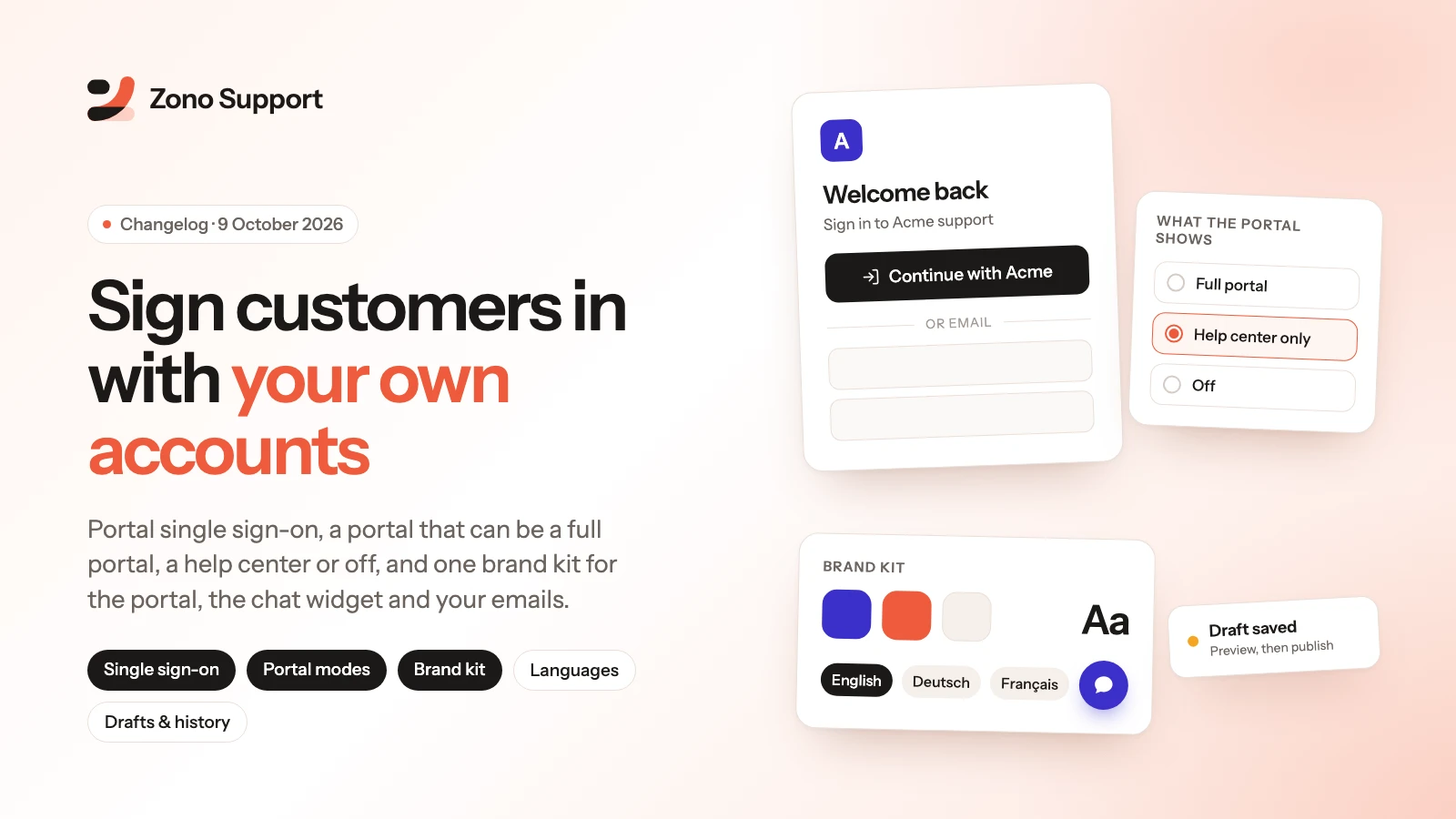
Your customers no longer need a second account to get support. Sign them in with your own app, decide what your portal is, and give the portal, the chat widget and your emails one look, in more than one language.
Sign customers in with your own accounts
- One team identity secret now recognises your signed-in users everywhere. It lives under Settings > Customer sign-in > Identity verification and works for every live chat channel and for the portal. Rotate it any time: the previous secret keeps working for 24 hours.
- Portal single sign-on. Your server signs a short-lived token and sends the browser to your portal, where the customer arrives signed in. Choose single sign-on only, single sign-on with email and password, or email and password as before. A Sign out can send customers back to your own logout page.
- A signed chat and a portal sign-in for the same user land on the same customer record, and a signed chat folds that browser's earlier anonymous chat in.
- Tokens are single use, expire within five minutes and are signed with a key derived from your secret, so the hashes you print into your pages can never double as a portal sign-in.
- Free on every plan. A checklist on the settings page shows when your first signed widget session, first token and first sign-in happen.
- Identity providers (Premium). Add Okta, Auth0, Microsoft Entra ID, Keycloak or any other OpenID Connect provider under Customer sign-in > Providers, and customers get a "Continue with" button on the portal sign-in page.
Decide what the portal is
- Full portal, help center (your knowledge base and search, nothing else) or off.
- Signed-in customers see their conversations next to their tickets, and your own live chat widget can run inside the portal.
- Build the portal home from blocks, add header and footer links and your own pages.
- Each product can have its own ticket form: pick the fields, their order, help text and when they show.
One brand kit for the portal and the widget
- Logo, mark, favicon, colors, corner radius and light or dark theme are set once, under Settings > Brand, and applied to both.
- Customer emails carry your logo and brand color.
- Premium adds custom CSS and fonts, SEO settings and head snippets for the portal, and lets you remove the powered-by badge.
Speak your customers' language
- Choose the languages you offer under Brand > Text & languages. Visitors get the one that matches their browser, or pick one from the portal's language switcher. Free includes one extra language; Premium has no limit.
- Every piece of text your customers read in the portal, the chat widget and your emails can be rewritten, one language at a time, and exported or imported as JSON. Text ships in English: other languages show English until you write your own.
- Knowledge base articles have a language and can be linked as translations of each other, so customers see each article once, in their language.
Drafts, preview and history
- Changes to your brand, portal layout and text can be saved as a draft, checked through a private preview link, and then published.
- Every publish is kept in a history, and any earlier version is one click away.
More control over the chat widget
- Choose the launcher icon, label, size and position, arrange the home screen, and ask a few questions before the chat starts.
- Premium adds behaviour rules: show or hide the launcher by page, open the chat after a delay, and limit which sites can embed it.
Settings that are easier to find
- Portal settings are now three pages, Portal, Portal design and Customer sign-in, with tabs inside each.
- Everything about the AI agent is under AI agent, including its setup, which used to live with your channels.
- Your logo is edited in one place, Brand. Old links and bookmarks keep working.
For developers
- A new guide, Customer identity, covers the trust model, the widget hash and the portal token, the login and logout redirects (including the
return_tocheck your login endpoint must do), rotation and every failure reason, with snippets in PHP, Node.js, Python and Ruby. - The widget reference now documents the team secret and the identity rules in the same four languages, plus the new JavaScript methods, including
setLocale.