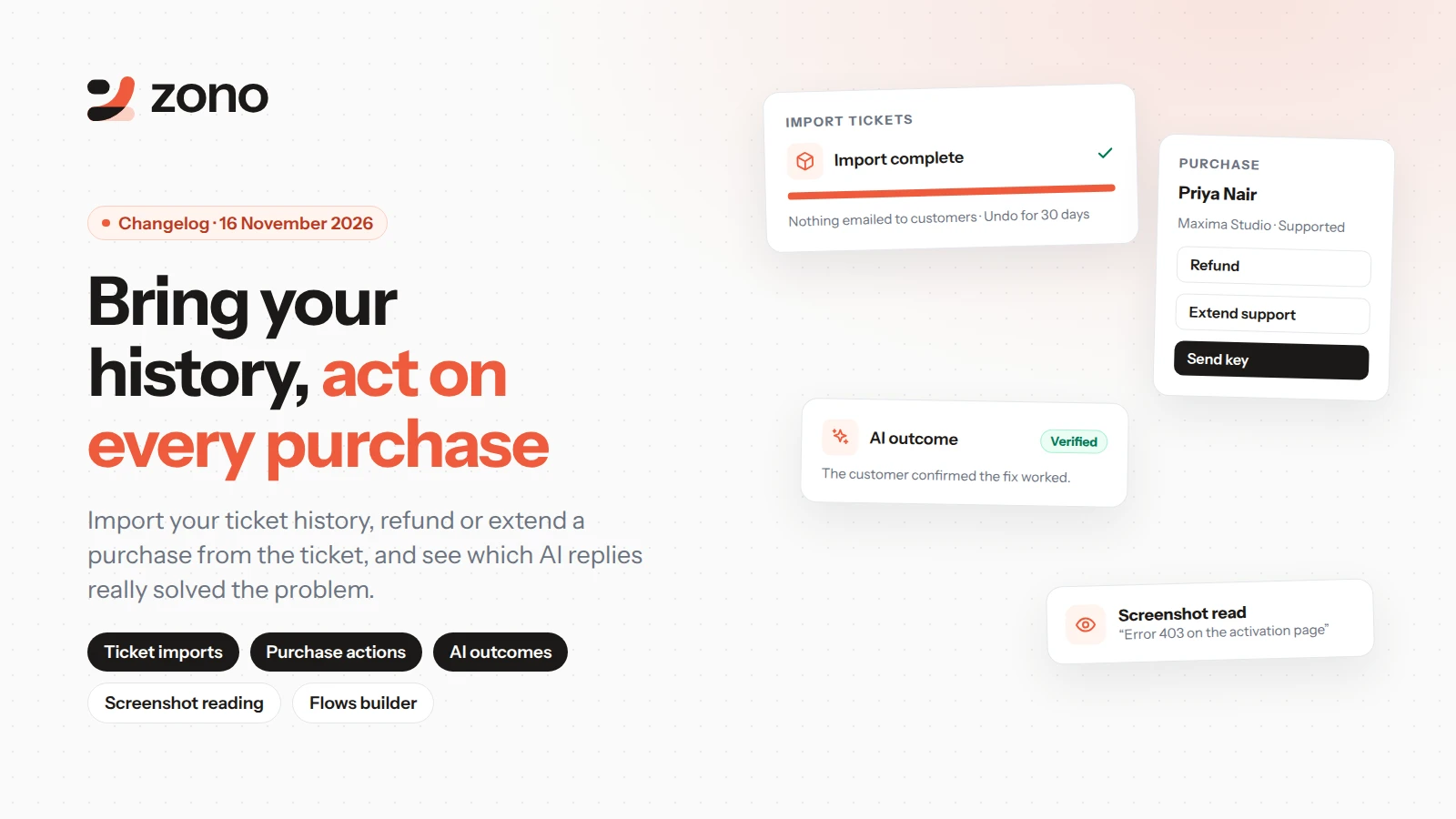
Bring your ticket history over from another help desk, act on a purchase without leaving the ticket, and see which AI replies really solved the problem.
Bring your ticket history
- Import your ticket history from Help Scout, Freshdesk, Zendesk or a spreadsheet.
- Nothing is emailed to your customers, and you can undo an import for 30 days.
Act on a purchase from the ticket
- Refund, cancel, extend support or send a key from the purchase card.
- Choose who can run each action, and whether an admin must approve it.
- Saved replies can fill in the order number, product and support end date.
AI you can measure
- Every AI conversation is marked verified, assumed or escalated, with the reason.
- The AI agent and Copilot now read screenshots your customers send.
Also new
- You get a notification when a conversation is assigned to you.
- The Flows builder has zoom controls, easier deleting, and a view-only mode on phones.
- Stronger security on every page, and faster customer search.
- Fixes to SLA reminders, AI suggestions and channel replies, and layout fixes across settings and the dashboard.